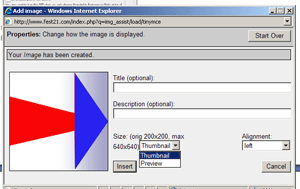

Publish a photo (from your computer files) inside your text
Select with your mouse the position where you want to insert the image; inside the text of your blog entry.
•1. Click on the  camera symbol just above the Body field
•2. Click on Upload image
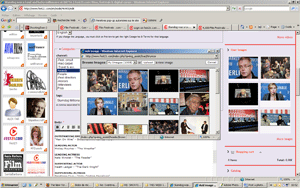
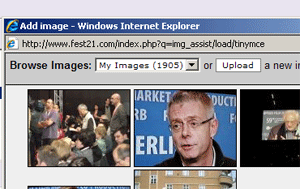
Give it a title and click on browse to select the image from your files
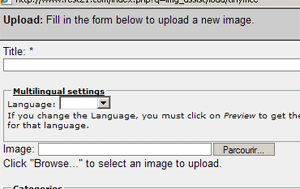
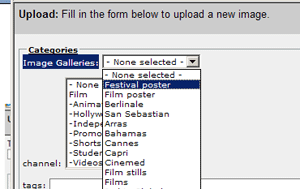
In "Categories" Select an Image Galleries: festival poster or film poster or film still ...or none if this is not relevant
If you do so your picture will also be featured in the very popular section of the sites called Pix galleries available here
You may choose to display the image inside your text as a small vignette or full size
Just select thumbnail or preview; click ONCE on INSERT (wait for the upload a few seconds, don't click twice which would repeat the upload)
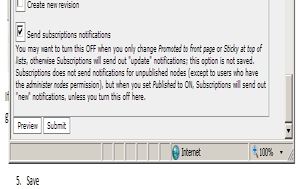
Submit click ONCE (wait for the picture to upload a few seconds)