

Add a picture from the web to your blog entry
Post a photo that is available on the web inside your blog entry
Select the image you need from the web, make sure you got rights for that
•1. Right click on image and select properties
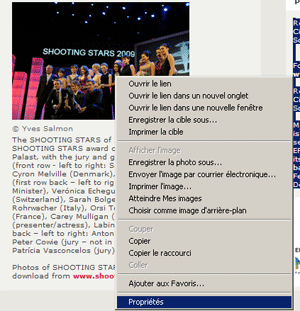
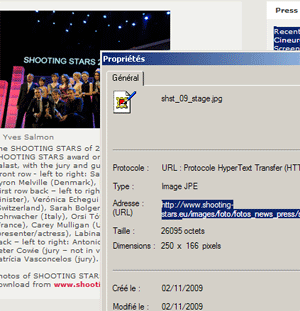
•2. Copy the url
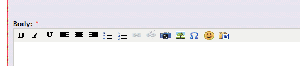
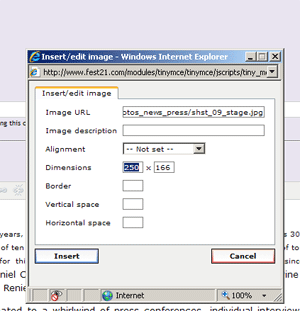
•3. Click on the  TREE symbol above the Body field
•4. Paste url in the field "Image url"
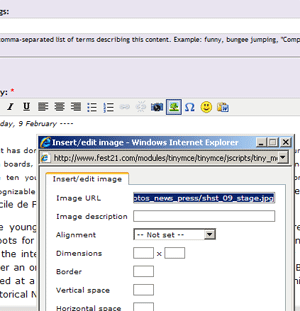
•5. Double click in the field "Dimensions " it will set the dimensions same as the ones in the original website
Save your article....


